Deluan Quintão
6d47a6ebd9
Deluan Quintão
6d47a6ebd9
* feat: skip cross-library detection for single library setup

When only one library is configured, skip the cross-library move detection stage entirely as there are no other libraries to search in. This eliminates unnecessary database queries - the primary performance issue reported by users (5-6 hour scans with 13.5k missing files).

Implementation:
- Added library count check in processCrossLibraryMoves
- Returns input unchanged when len(state.libraries) == 1
- Logs debug message for troubleshooting

* refactor: use lightweight queries for cross-library move detection

Replace selectMediaFile() with newSelect() in FindRecentFilesByMBZTrackID and FindRecentFilesByProperties. These queries only need basic media file columns for hash and path comparisons, not annotations/bookmarks.

Benefits:
- Removes unnecessary LEFT JOINs with annotation and bookmark tables
- Reduces query overhead for cross-library file matching
- Follows existing pattern used by GetMissingAndMatching

The annotation/bookmark joins are user-specific (using loggedUser context) and unused in cross-library matching logic where only Equals() and IsEquivalent() checks are performed.

* test: add coverage for single-library and multi-library cross-library detection

Add test cases to verify:
1. Single-library setup correctly skips cross-library move detection
2. Multi-library setup continues to process cross-library moves

Implementation:
- New test verifies processCrossLibraryMoves returns input unchanged for single library
- Wrapped existing multi-library tests in Context with multiple libraries setup
- Ensures no regressions in multi-library matching behavior

Tests verify:
- Single-library: no database queries, input passed through unchanged
- Multi-library: cross-library matching still works correctly
- Reduces the likelihood of introducing single-library skip bugs in future

* fix: enhance cross-library detection by introducing totalLibraryCount

Signed-off-by: Deluan <deluan@navidrome.org>

---------

Signed-off-by: Deluan <deluan@navidrome.org>
Navidrome Music Server 








Navidrome is an open source web-based music collection server and streamer. It gives you freedom to listen to your music collection from any browser or mobile device. It's like your personal Spotify!
Note: The master branch may be in an unstable or even broken state during development.
Please use releases instead of
the master branch in order to get a stable set of binaries.
Check out our Live Demo!
Any feedback is welcome! If you need/want a new feature, find a bug or think of any way to improve Navidrome, please file a GitHub issue or join the discussion in our Subreddit. If you want to contribute to the project in any other way (ui/backend dev, translations, themes), please join the chat in our Discord server.
Installation
See instructions on the project's website
Cloud Hosting
PikaPods has partnered with us to offer you an officially supported, cloud-hosted solution. A share of the revenue helps fund the development of Navidrome at no additional cost for you.

Features
- Handles very large music collections
- Streams virtually any audio format available
- Reads and uses all your beautifully curated metadata
- Great support for compilations (Various Artists albums) and box sets (multi-disc albums)
- Multi-user, each user has their own play counts, playlists, favourites, etc...
- Very low resource usage
- Multi-platform, runs on macOS, Linux and Windows. Docker images are also provided
- Ready to use binaries for all major platforms, including Raspberry Pi
- Automatically monitors your library for changes, importing new files and reloading new metadata
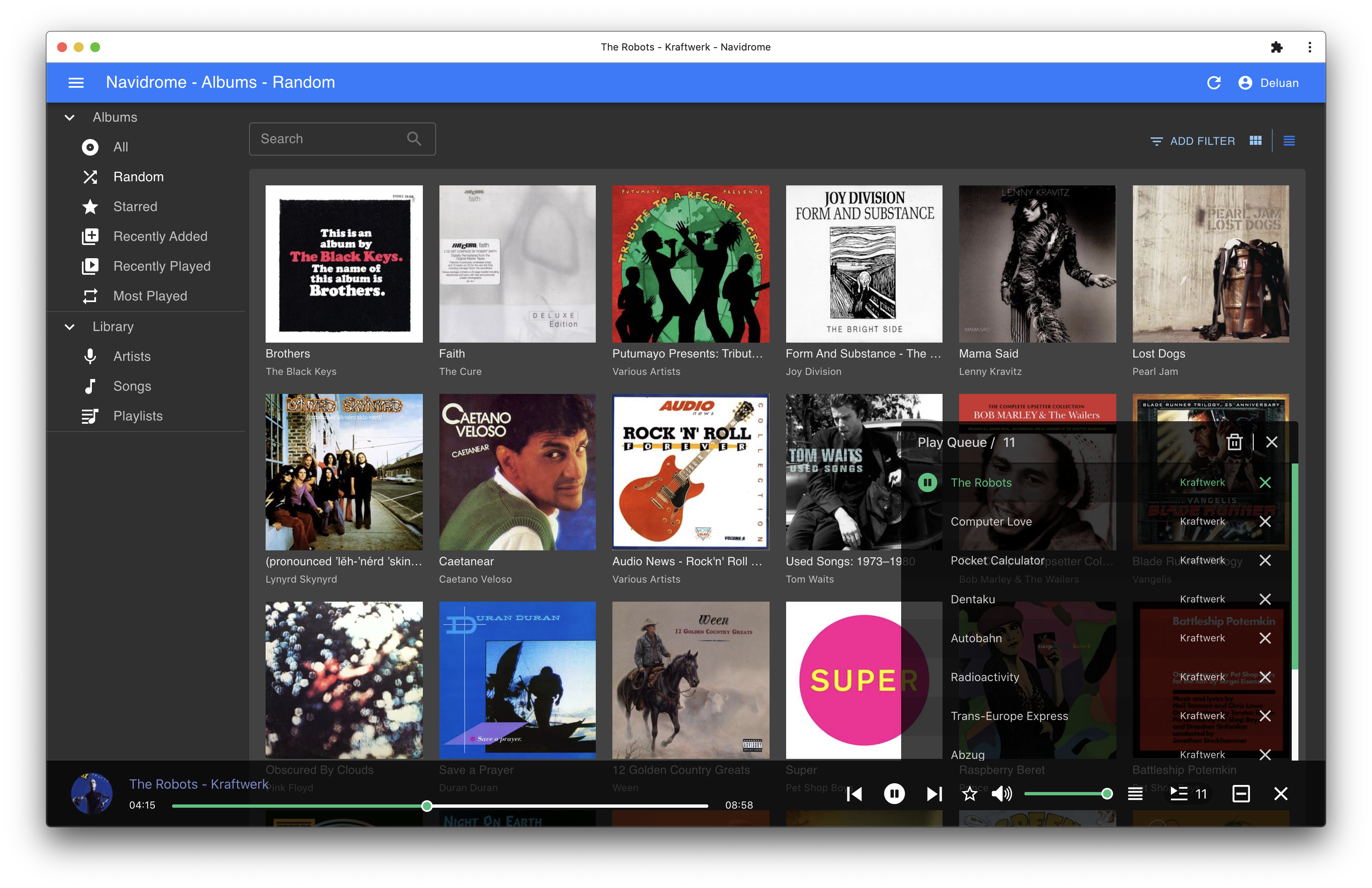
- Themeable, modern and responsive Web interface based on Material UI
- Compatible with all Subsonic/Madsonic/Airsonic clients
- Transcoding on the fly. Can be set per user/player. Opus encoding is supported
- Translated to various languages
Translations
Navidrome uses POEditor for translations, and we are always looking for more contributors
Documentation
All documentation can be found in the project's website: https://www.navidrome.org/docs. Here are some useful direct links:
Screenshots