Rob Emery
9c3b456165
Rob Emery
9c3b456165
* feat(build): add a make target to build a msi installer locally

* Testing wrapping the executable in cmd

* build(ci): build msis in parallel

* feat(server): add LogFile config option

* Revert "Testing wrapping the executable in cmd"

This reverts commit be29592254cb903fd4904f2f50d4d1a860795d33.

* Adding --log-file for service executable

* feat(ini): wip

* feat(ini): parse nested ini section

* fix(conf): fix fatal error messages

* Now navidrome supports INI, we can use the built-in msi ini system
and not require the VBScript to convert it into toml

* File needs to be called .ini to be parsed as an INI and correct filename
needs to be passed to the service

* fix(msi): build msi locally

* fix(msi): pipeline

* fix(msi): pipeline

* fix(msi): pipeline

* fix(msi): pipeline

* fix(msi): pipeline

* fix(msi): Makefile

* fix(msi): more clean up

* fix(log): convert LF to CRLF on Windows

* fix(msi): config filename should be case-insensitive

* fix(msi): make it a little more idiomatic

* Including the latest windows release of ffmpeg into the msi
as built by https://www.gyan.dev/ffmpeg/builds/ (linked
to on the official ffmpeg source)

* This should version independent

* Need bash expansion for the * to work

* This will run twice, once for x86 and once for x64, I'll make it cache
the executable for now as it'll be quicker

* Silencing wget

* Add ffmpeg path to the config so Navidrome knows where to find it

* refactor: download ffmpeg from our repository

* When going back from the "Are you ready to install?" it should go back to the
Settings dialogue that you just came from

* fix: comments

---------

Co-authored-by: Deluan <deluan@navidrome.org>

Navidrome Music Server 







Navidrome is an open source web-based music collection server and streamer. It gives you freedom to listen to your music collection from any browser or mobile device. It's like your personal Spotify!
Note: The master branch may be in an unstable or even broken state during development.
Please use releases instead of
the master branch in order to get a stable set of binaries.
Check out our Live Demo!
Any feedback is welcome! If you need/want a new feature, find a bug or think of any way to improve Navidrome, please file a GitHub issue or join the discussion in our Subreddit. If you want to contribute to the project in any other way (ui/backend dev, translations, themes), please join the chat in our Discord server.
Installation
See instructions on the project's website
Cloud Hosting
PikaPods has partnered with us to offer you an officially supported, cloud-hosted solution. A share of the revenue helps fund the development of Navidrome at no additional cost for you.

Features
- Handles very large music collections
- Streams virtually any audio format available
- Reads and uses all your beautifully curated metadata
- Great support for compilations (Various Artists albums) and box sets (multi-disc albums)
- Multi-user, each user has their own play counts, playlists, favourites, etc...
- Very low resource usage
- Multi-platform, runs on macOS, Linux and Windows. Docker images are also provided
- Ready to use binaries for all major platforms, including Raspberry Pi
- Automatically monitors your library for changes, importing new files and reloading new metadata
- Themeable, modern and responsive Web interface based on Material UI
- Compatible with all Subsonic/Madsonic/Airsonic clients
- Transcoding on the fly. Can be set per user/player. Opus encoding is supported
- Translated to various languages
Translations
Navidrome uses POEditor for translations, and we are always looking for more contributors
Documentation
All documentation can be found in the project's website: https://www.navidrome.org/docs. Here are some useful direct links:
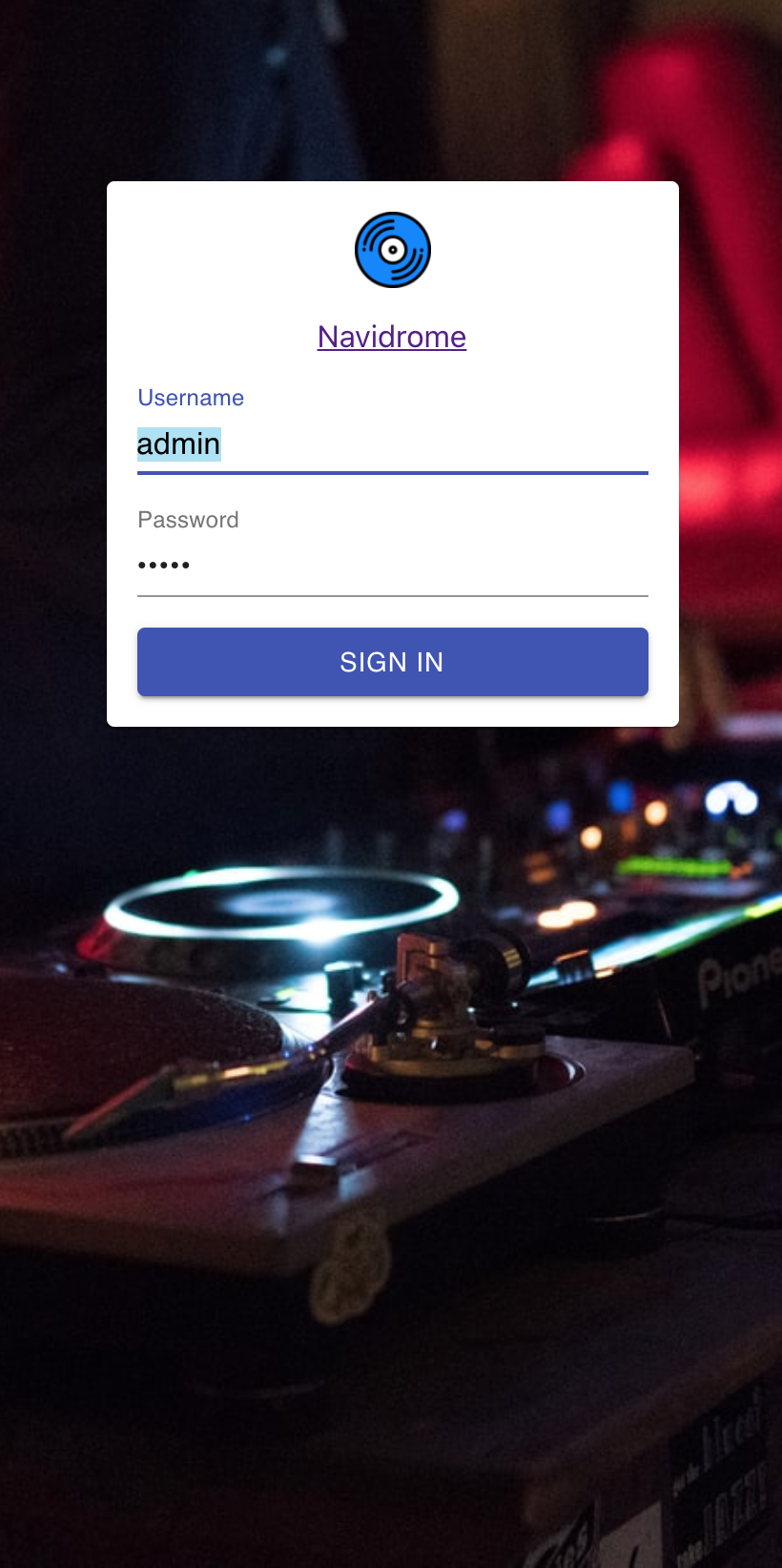
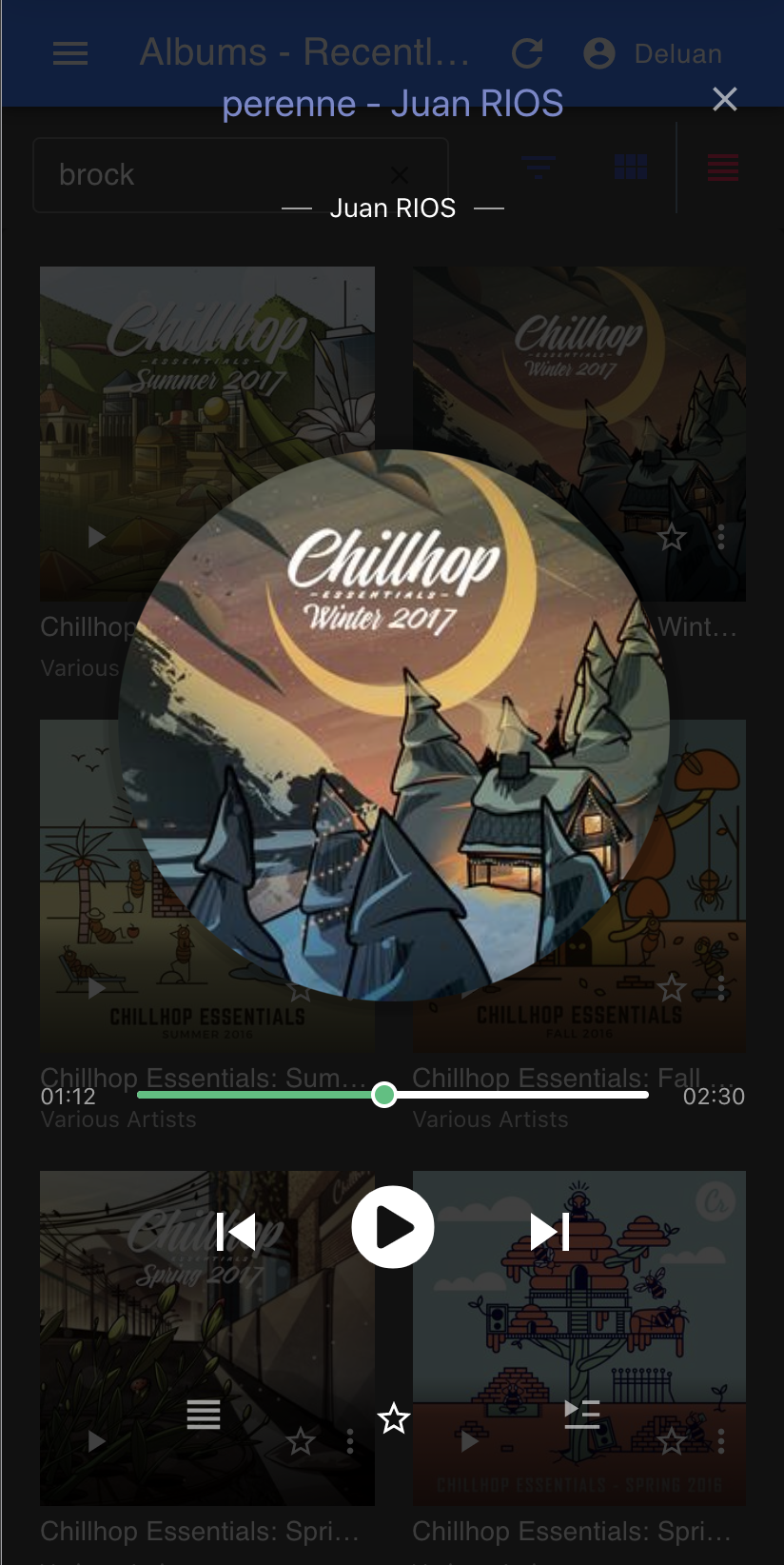
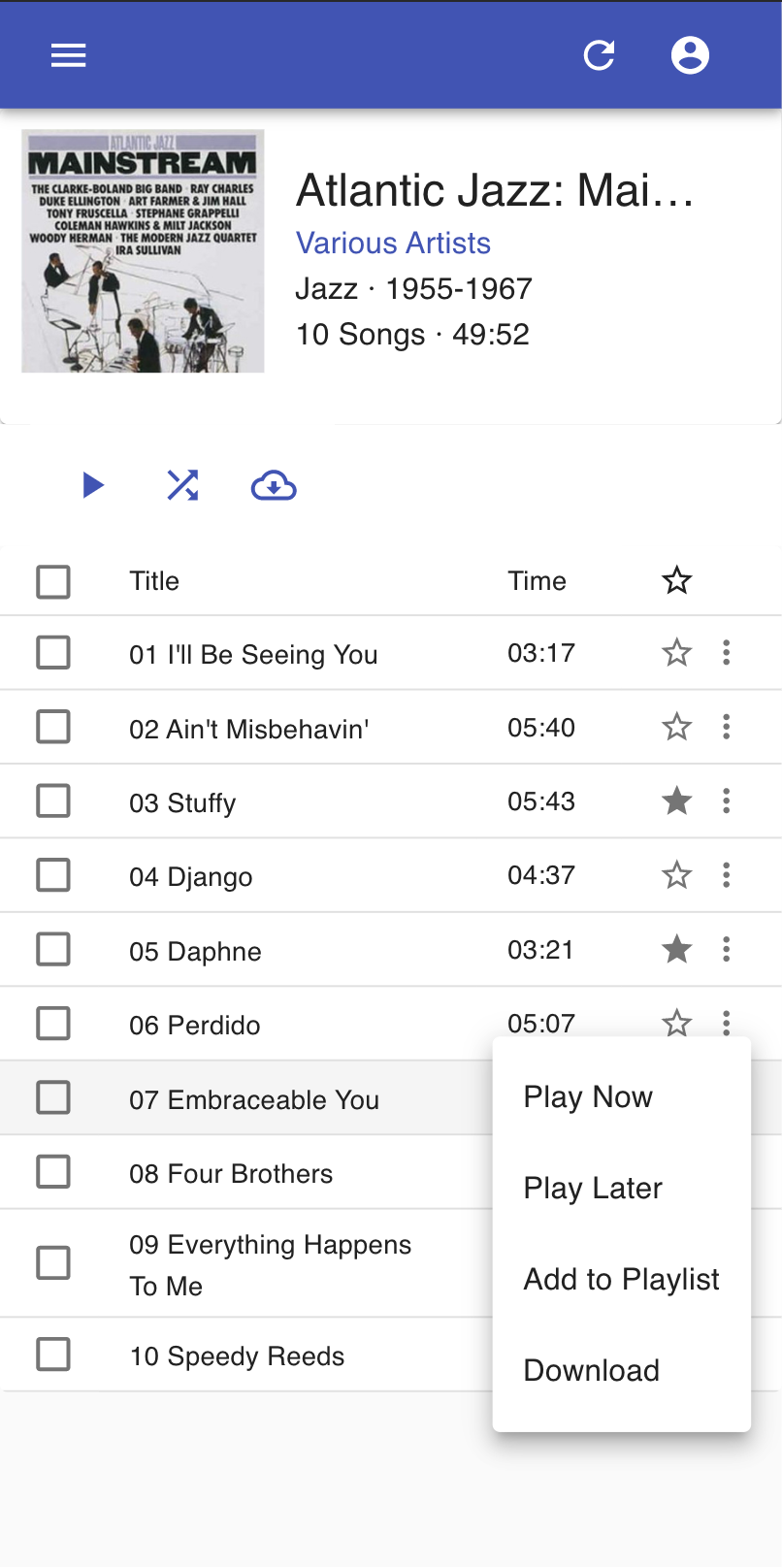
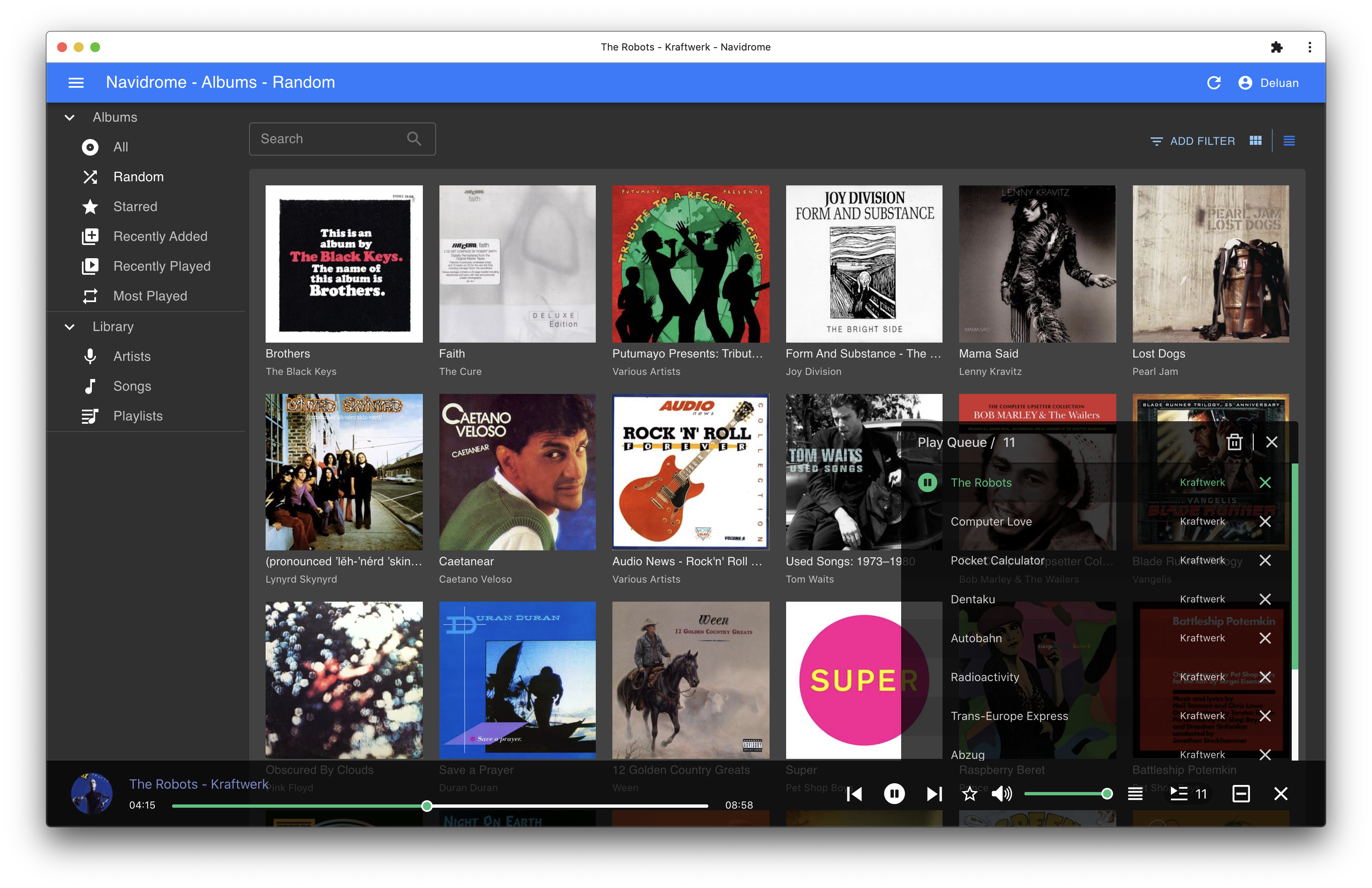
Screenshots