Deluan Quintão
d021289279
Deluan Quintão
d021289279
* fix: prevent infinite loop in Type filter autocomplete

Fixed an infinite loop issue in the album Type filter caused by an inline
arrow function in the optionText prop. The inline function created a new
reference on every render, causing React-Admin's AutocompleteInput to
continuously re-fetch data from the /api/tag endpoint.

The solution extracts the formatting function outside the component scope
as formatReleaseType, ensuring a stable function reference across renders.
This prevents unnecessary re-renders and API calls while maintaining the
humanized display format for release type values.

* fix: enable multi-valued releasetype in smart playlists

Smart playlists can now match all values in multi-valued releasetype tags.
Previously, the albumtype field was mapped to the single-valued mbz_album_type
database field, which only stored the first value from tags like album; soundtrack.
This prevented smart playlists from matching albums with secondary release types
like soundtrack, live, or compilation when tagged by MusicBrainz Picard.

The fix removes the direct database field mapping and allows both albumtype and
releasetype to use the multi-valued tag system. The albumtype field is now an
alias that points to the releasetype tag field, ensuring both query the same
JSON path in the tags column. This maintains backward compatibility with the
documented albumtype field while enabling proper multi-value tag matching.

Added tests to verify both releasetype and albumtype correctly generate
multi-valued tag queries.

Fixes #4616

* fix: resolve albumtype alias for all operators and sorting

Codex correctly identified that the initial fix only worked for Contains/StartsWith/EndsWith operators. The alias resolution was happening too late in the code path.

Fixed by resolving the alias in two places:
1. tagCond.ToSql() - now uses the actual field name (releasetype) in the JSON path
2. Criteria.OrderBy() - now uses the actual field name when building sort expressions

Added tests for Is/IsNot operators and sorting to ensure complete coverage.
Navidrome Music Server 








Navidrome is an open source web-based music collection server and streamer. It gives you freedom to listen to your music collection from any browser or mobile device. It's like your personal Spotify!
Note: The master branch may be in an unstable or even broken state during development.
Please use releases instead of
the master branch in order to get a stable set of binaries.
Check out our Live Demo!
Any feedback is welcome! If you need/want a new feature, find a bug or think of any way to improve Navidrome, please file a GitHub issue or join the discussion in our Subreddit. If you want to contribute to the project in any other way (ui/backend dev, translations, themes), please join the chat in our Discord server.
Installation
See instructions on the project's website
Cloud Hosting
PikaPods has partnered with us to offer you an officially supported, cloud-hosted solution. A share of the revenue helps fund the development of Navidrome at no additional cost for you.

Features
- Handles very large music collections
- Streams virtually any audio format available
- Reads and uses all your beautifully curated metadata
- Great support for compilations (Various Artists albums) and box sets (multi-disc albums)
- Multi-user, each user has their own play counts, playlists, favourites, etc...
- Very low resource usage
- Multi-platform, runs on macOS, Linux and Windows. Docker images are also provided
- Ready to use binaries for all major platforms, including Raspberry Pi
- Automatically monitors your library for changes, importing new files and reloading new metadata
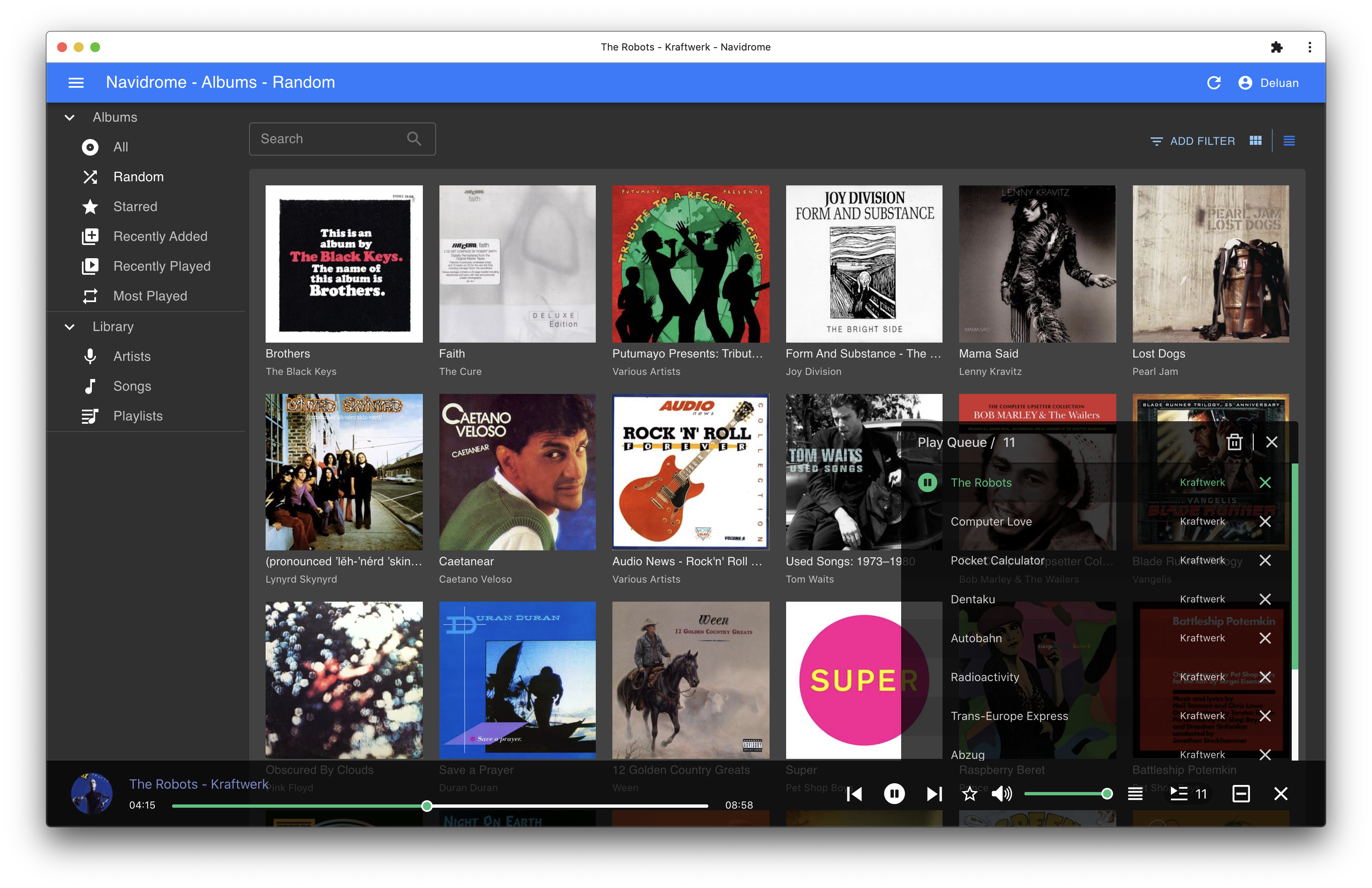
- Themeable, modern and responsive Web interface based on Material UI
- Compatible with all Subsonic/Madsonic/Airsonic clients
- Transcoding on the fly. Can be set per user/player. Opus encoding is supported
- Translated to various languages
Translations
Navidrome uses POEditor for translations, and we are always looking for more contributors
Documentation
All documentation can be found in the project's website: https://www.navidrome.org/docs. Here are some useful direct links:
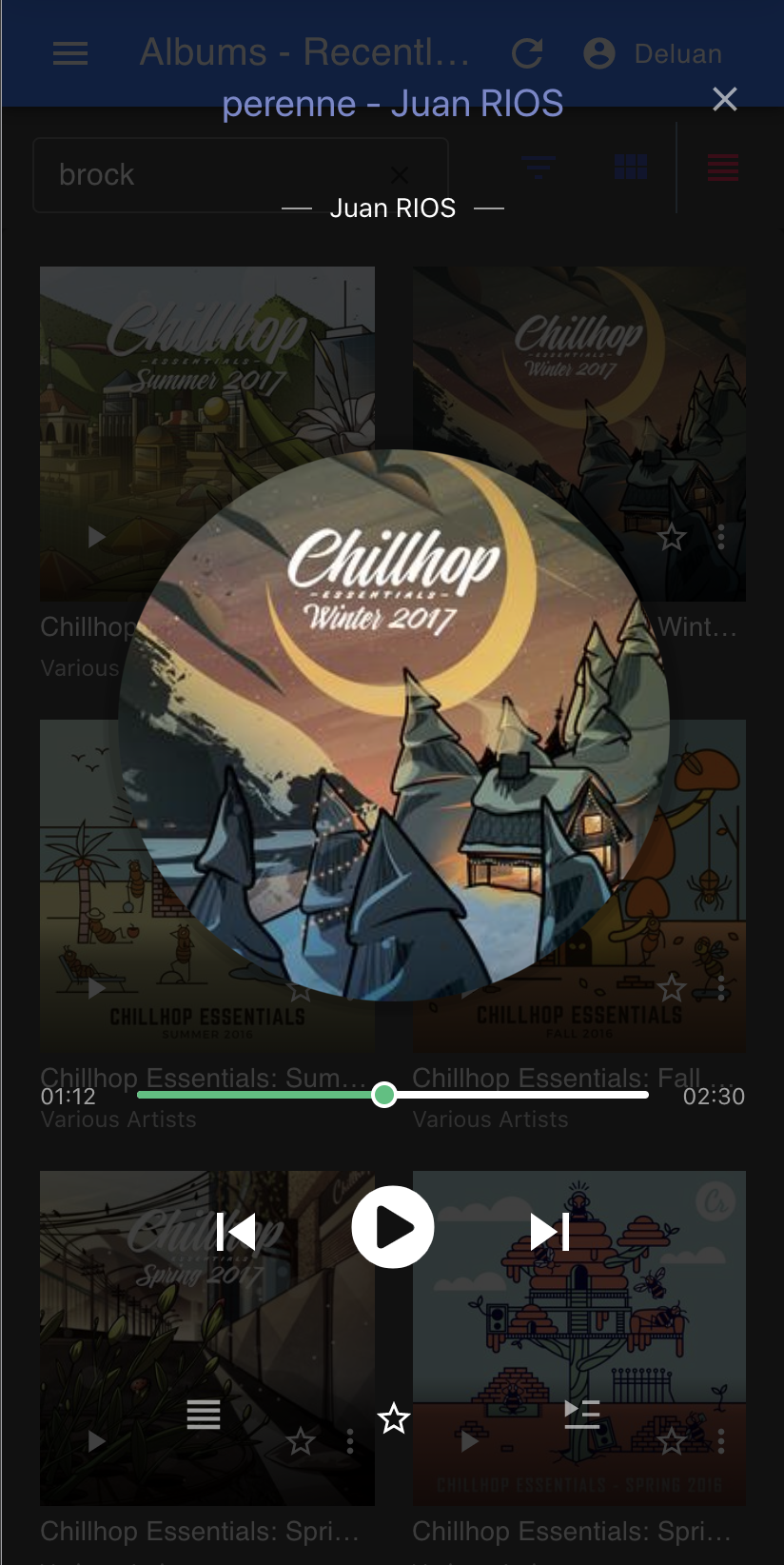
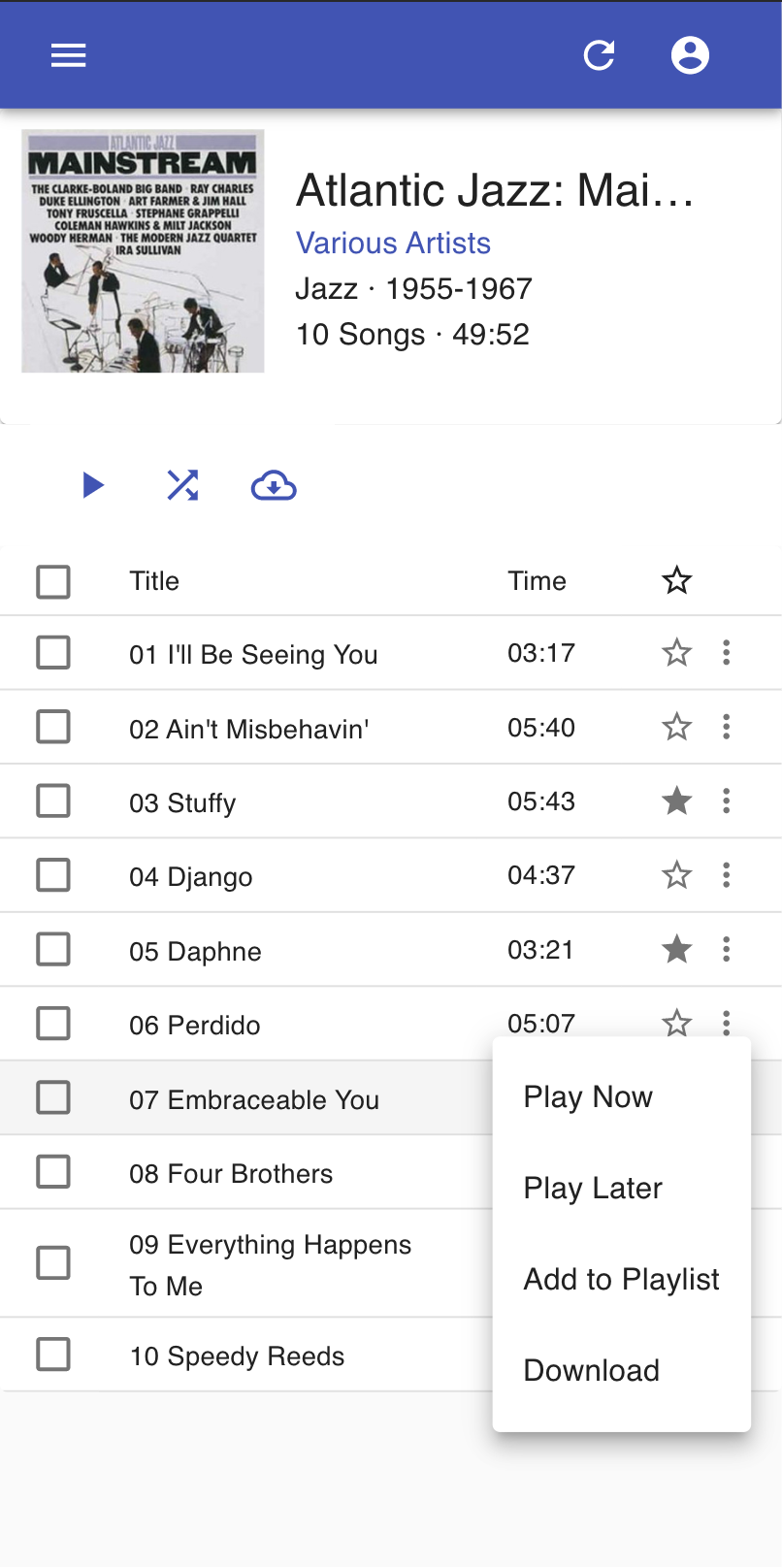
Screenshots