Deluan Quintão
d7c3a50f86
Deluan Quintão
d7c3a50f86
* feat(transcode): apply player MaxBitRate cap and use format-aware default bitrates

Add player MaxBitRate cap to the transcode decider so server-side player
bitrate limits are respected when making OpenSubsonic transcode decisions.
The player cap is applied only when it is more restrictive than the client's
maxAudioBitrate (or when the client has no limit).

Also replace the hardcoded 256 kbps default with a format-aware lookup that
checks the DB first (for user-customized values), then built-in defaults,
and finally falls back to 256 kbps. For lossless→lossy transcoding, prefer
maxTranscodingAudioBitrate over maxAudioBitrate when available.

* test(e2e): add tests for player MaxBitRate cap and format-aware default bitrates

Add e2e tests covering:
- Player MaxBitRate forcing transcode when source exceeds cap
- Player MaxBitRate having no effect when source is under cap
- Client limit winning when more restrictive than player MaxBitRate
- Player MaxBitRate winning when more restrictive than client limit
- Player MaxBitRate=0 having no effect
- Format-aware defaults: mp3 (192kbps), opus (128kbps) instead of hardcoded 256
- maxAudioBitrate fallback for lossless→lossy when no maxTranscodingAudioBitrate
- maxTranscodingAudioBitrate taking priority over maxAudioBitrate
- Combined player + client limits flowing correctly through decision→stream

* feat(transcode): update transcoding profiles to add flac, filter by supported codecs, and ensure mp3 fallback

Signed-off-by: Deluan <deluan@navidrome.org>

* fix(db): ensure all default transcodings exist on upgrade

Older installations that were seeded before aac/flac were added to
DefaultTranscodings may be missing these entries. The previous migration
only added flac; this one ensures all default transcodings are present
without touching user-customized entries.

* test: remove duplication

Signed-off-by: Deluan <deluan@navidrome.org>

---------

Signed-off-by: Deluan <deluan@navidrome.org>

Navidrome Music Server 








Navidrome is an open source web-based music collection server and streamer. It gives you freedom to listen to your music collection from any browser or mobile device. It's like your personal Spotify!
Note: The master branch may be in an unstable or even broken state during development.
Please use releases instead of
the master branch in order to get a stable set of binaries.
Check out our Live Demo!
Any feedback is welcome! If you need/want a new feature, find a bug or think of any way to improve Navidrome, please file a GitHub issue or join the discussion in our Subreddit. If you want to contribute to the project in any other way (ui/backend dev, translations, themes), please join the chat in our Discord server.
Installation
See instructions on the project's website
Cloud Hosting
PikaPods has partnered with us to offer you an officially supported, cloud-hosted solution. A share of the revenue helps fund the development of Navidrome at no additional cost for you.

Features
- Handles very large music collections
- Streams virtually any audio format available
- Reads and uses all your beautifully curated metadata
- Great support for compilations (Various Artists albums) and box sets (multi-disc albums)
- Multi-user, each user has their own play counts, playlists, favourites, etc...
- Very low resource usage
- Multi-platform, runs on macOS, Linux and Windows. Docker images are also provided
- Ready to use binaries for all major platforms, including Raspberry Pi
- Automatically monitors your library for changes, importing new files and reloading new metadata
- Themeable, modern and responsive Web interface based on Material UI
- Compatible with all Subsonic/Madsonic/Airsonic clients
- Transcoding on the fly. Can be set per user/player. Opus encoding is supported
- Translated to various languages
Translations
Navidrome uses POEditor for translations, and we are always looking for more contributors
Documentation
All documentation can be found in the project's website: https://www.navidrome.org/docs. Here are some useful direct links:
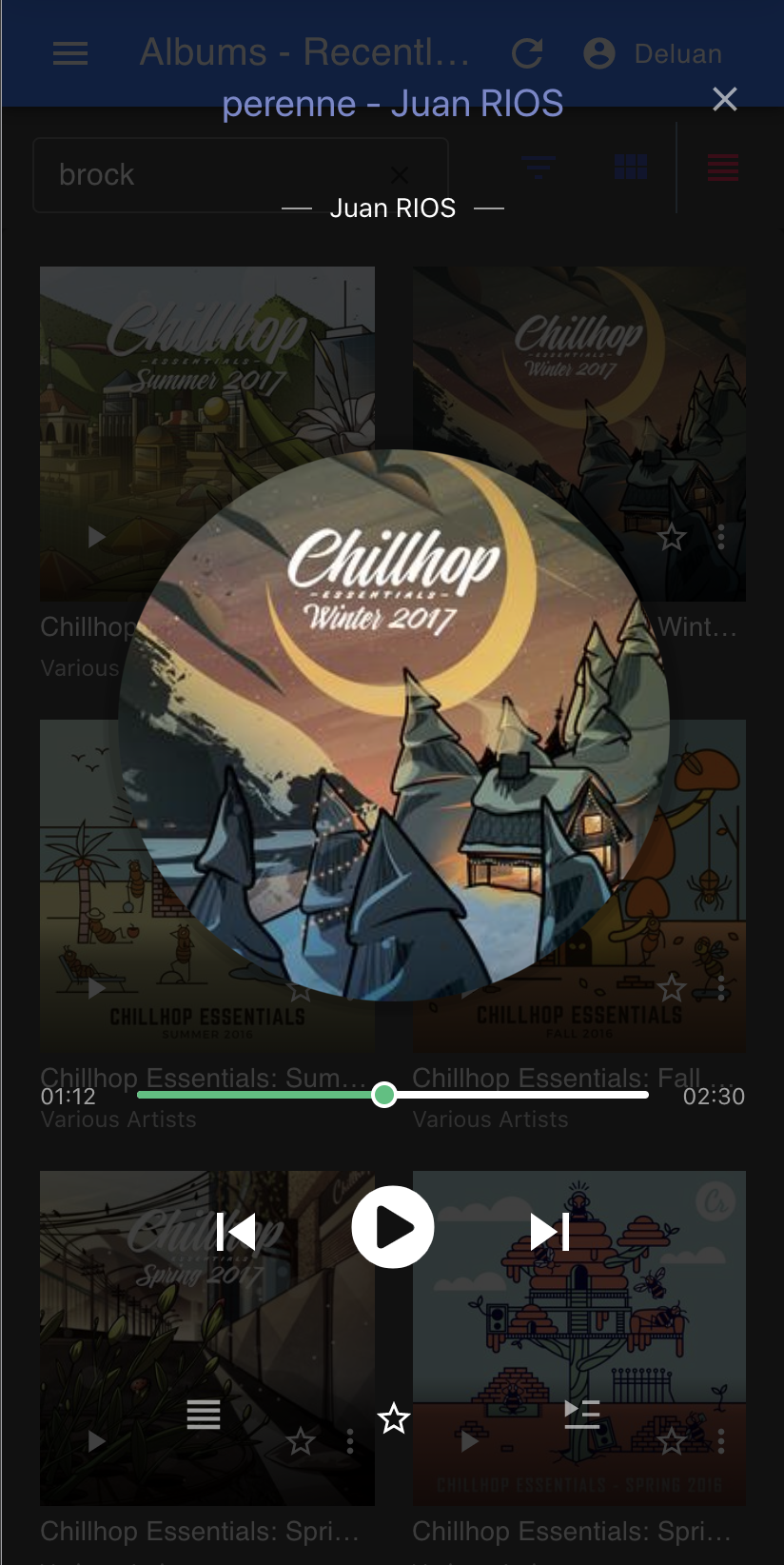
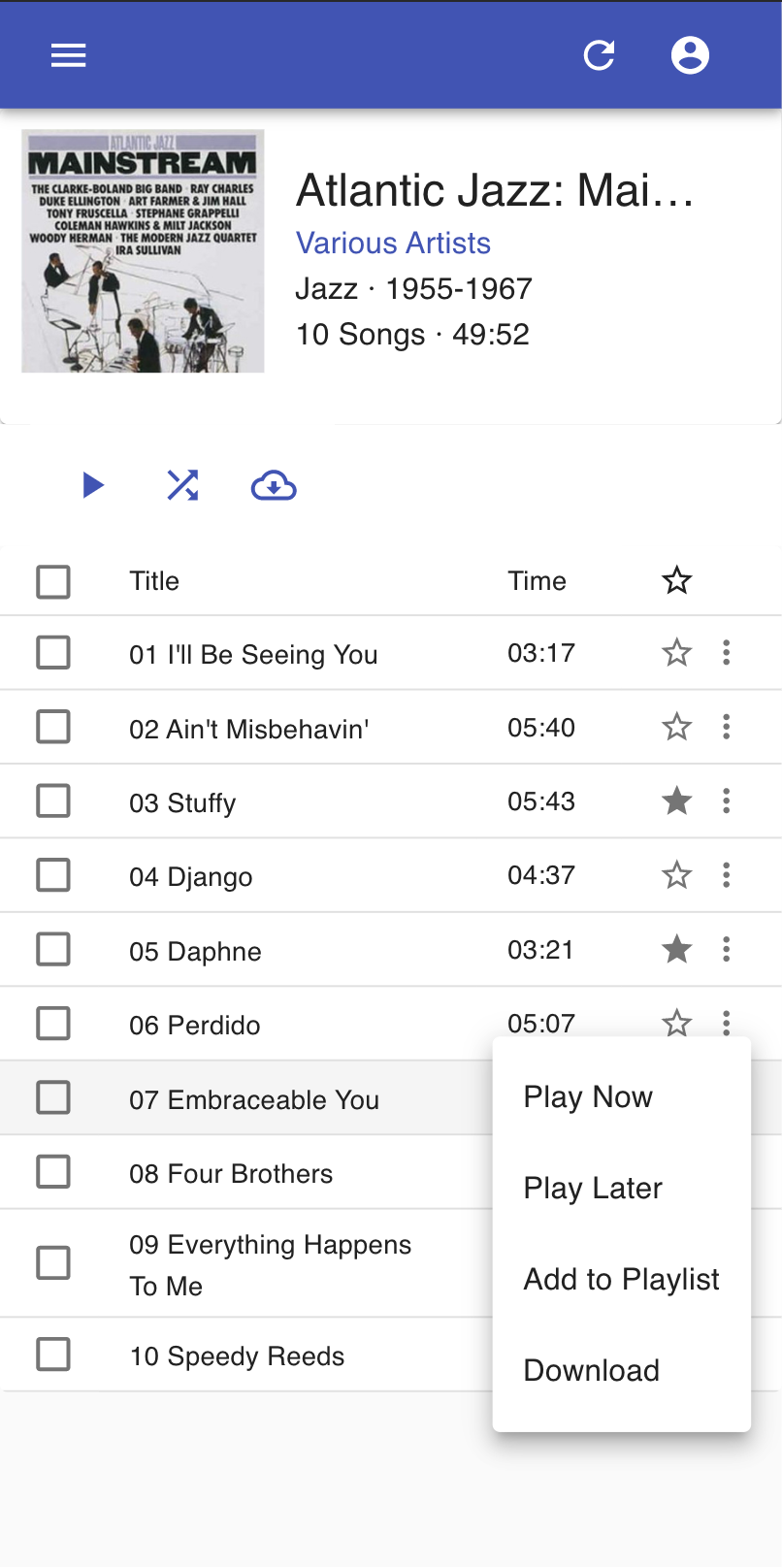
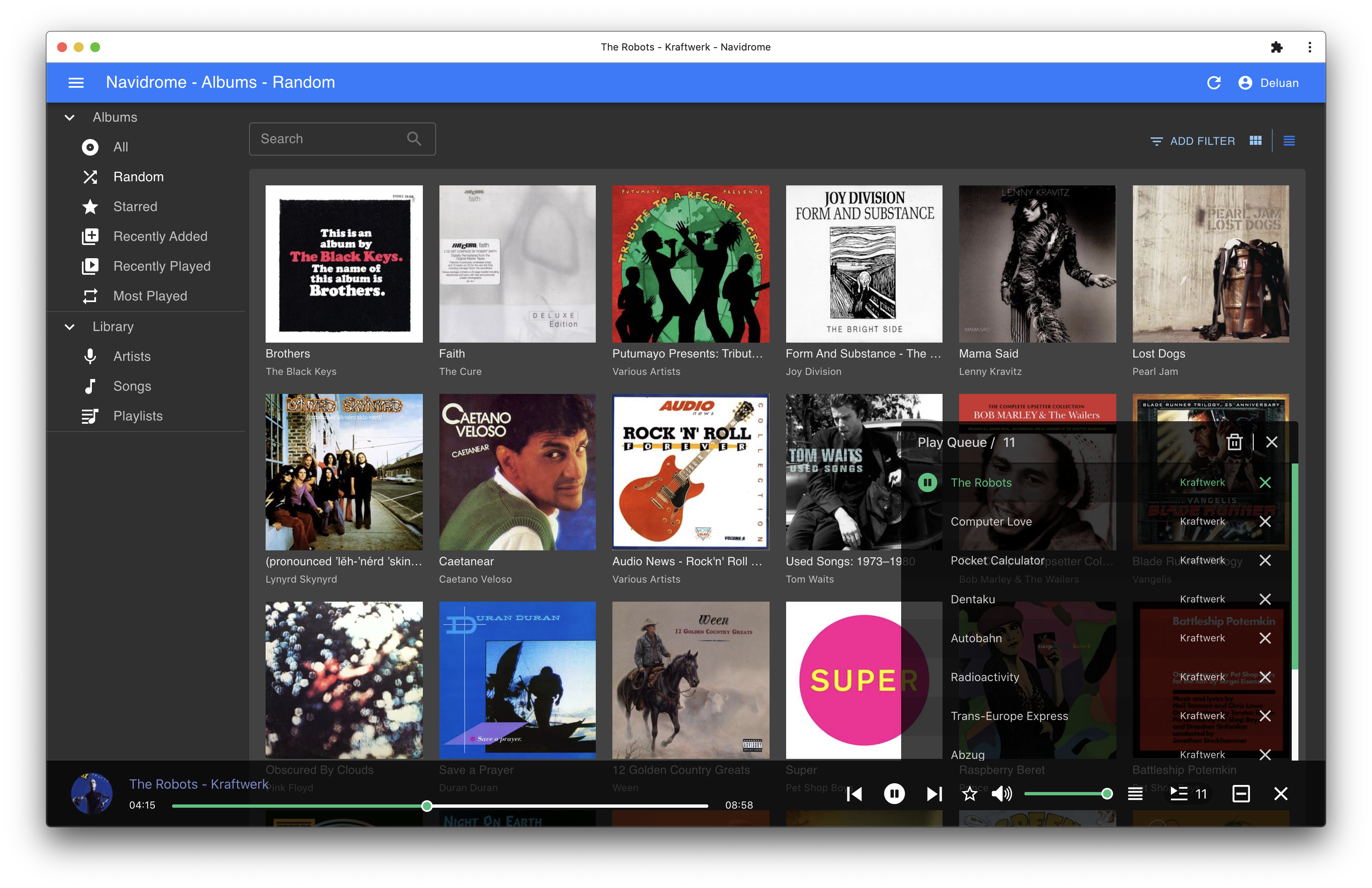
Screenshots